A focused update, not a reason to rebuild everything
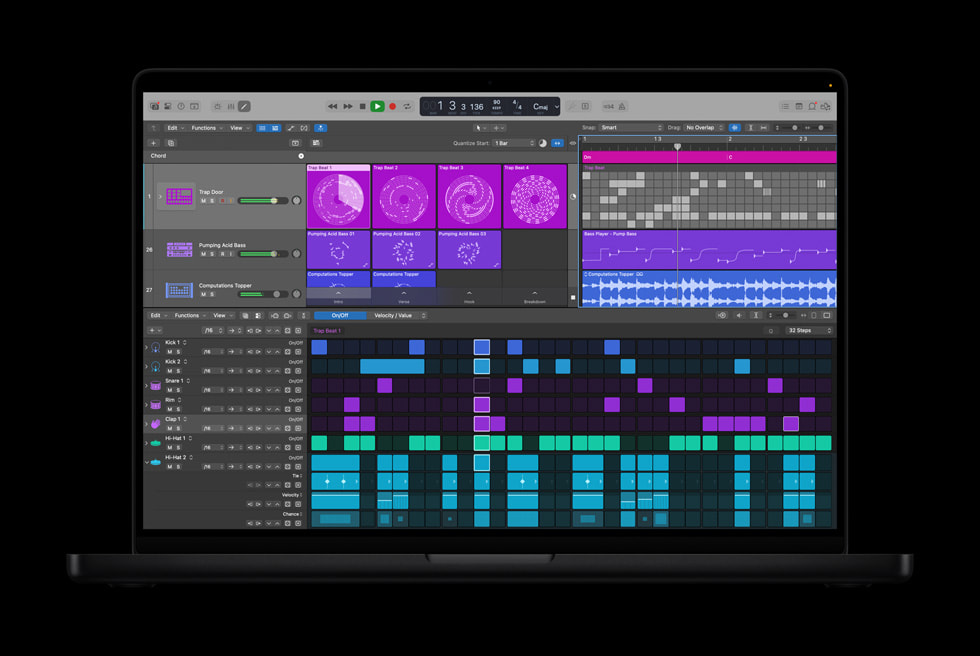
Logic Pro 12.3 is most useful when it removes friction from work you already do. Apple highlights expanded Beat Breaker editing, granular sync in Alchemy and Sample Alchemy, revised Flex controls, and improved Chord ID. The practical question is not whether every feature is impressive. It is which change helps a session move forward without weakening the decisions already inside it.
Before updating, finish urgent deliverables and back up Logic Pro and your active projects. Then open copies of two representative sessions: one built around audio editing and another that uses the third-party instruments you depend on. Check playback, automation, Flex timing, plug-in recall and bounce alignment before moving paid work to the new version.
Beat Breaker gains more detailed movement
Beat Breaker now includes Cutoff, Resonance and Pan edit modes, as well as controls for randomising effect values. This makes the plug-in more useful for creating related fills from one percussion loop. Cutoff can thin a slice, Resonance can emphasise the filter movement, and Pan can place individual slices across the stereo field.
Give the experiment a boundary. Duplicate an eight-bar section, generate or draw one variation, and listen to it under the lead element. Save or print the result once it earns its place. Endless randomisation is still not arrangement, and a dramatic solo effect may distract from the vocal when the full production returns.
Granular sync turns short recordings into playable texture
The granular synthesis areas in Alchemy and Sample Alchemy now provide a Sync mode. Apple says it can adjust the formants of generated grains and add parallel grain streams. In a production session, that creates a direct route from a short vocal, instrument or field recording to a playable atmosphere or rhythmic layer.
Keep the source recording on a hidden track before transforming it. Build the texture, then check its role in mono, at low volume and against the main melody. If it fills every pause, reduce the grain density or automate it by section. The goal is a sound that develops the record, not a demonstration of how complex the source can become.
Flex and Chord ID become easier to direct
Logic Pro 12.3 revises region-level Flex controls and exposes clearer choices for Flex, Smart Tempo and file tempo. Imported loops should be easier to diagnose when they stretch or align unexpectedly. Apple also says loop detection now places detected loops on a downbeat and assigns a constant file tempo.
Chord ID improves its analysis of individual instruments and full mixes. When the cycle area is active, only the part under that selection is added to the Chord track. Analyze the cleanest evidence available, preferably MIDI or an isolated instrument, and work phrase by phrase. Then play the roots, inversions and bass movement yourself. Detected chords are a useful map, not a final harmonic authority.
Logic Pro 12.3 can shorten several technical steps. It still cannot decide whether a fill supports the transition, whether a texture leaves room for the singer, or whether an analyzed chord describes the musical function correctly. Those remain listening decisions, which is exactly where a production workflow earns its value.
How this note was made
- Apple: What's new in Logic Pro for Mac Apple's current feature summary for Logic Pro 12.3, including Beat Breaker, granular sync, Flex and Chord ID changes.
- Apple: Back up Logic Pro for Mac Apple's instructions for backing up the application and consolidating project assets before an update.