What you need to know
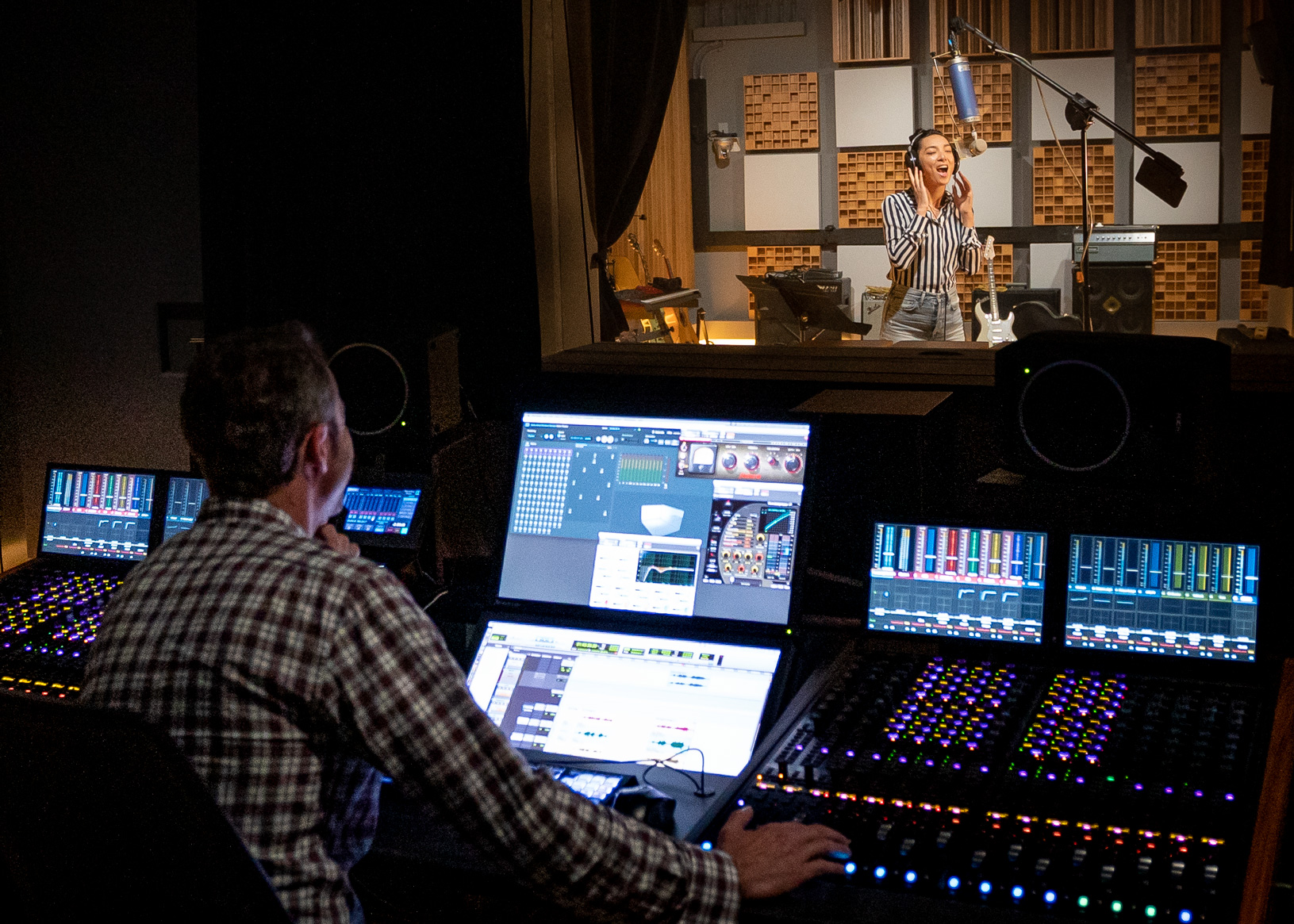
Dolby Atmos music production can begin in several DAWs and monitoring contexts, but a commercial speaker room is a designed system, not simply a collection of extra monitors. Dolby's current technical resources cover 5.1.4, 7.1.4, and 9.1.4 applications and provide a room-design tool for checking positions and models.
The room and speakers form one instrument
Speaker angles, distances, output capability, bass management, acoustics, and calibration all affect whether object placement can be judged reliably. Dolby's Music Studio Directory process currently uses a minimum 7.1.4 configuration and asks for room-design documentation, photos, interface or monitor-controller details, and calibration information.
Dolby also states that it does not certify or approve the studios listed in that directory; studios submit evidence against the published recommendations. That distinction matters when describing a room to clients.
Headphones help, but QC must be broader
Binaural monitoring can be useful for writing and mobile checks. It does not reveal every speaker-room interaction or every consumer render. A responsible workflow checks the immersive master, binaural behavior, fold-downs, metadata, and representative consumer playback according to the distributor's current requirements.
Plan the workflow before the build
List the DAW, renderer path, interface outputs, monitor control, speakers, subwoofers, room dimensions, acoustic treatment, and calibration method. Use Dolby's current design documentation or a qualified designer. Budget for measurement and repeatable QC, not only hardware.
How this note was made
- Dolby: Home Entertainment and Music Studio Technical Guidelines Official or first-party reference used for the factual claims in this article.
- Dolby: Music Studio Directory process Official or first-party reference used for the factual claims in this article.
- Dolby: Atmos Music resources Official or first-party reference used for the factual claims in this article.