What you need to know
FL Studio 2026 is a broad update built around sound discovery, project safety, and faster editing. Image-Line's release page highlights a rebuilt FLEX, FL Cloud project backup, the Transmitter plug-in, expanded Gopher assistance, chord detection, remix tools, clip gain, and Audio Logger.
The most useful changes are practical
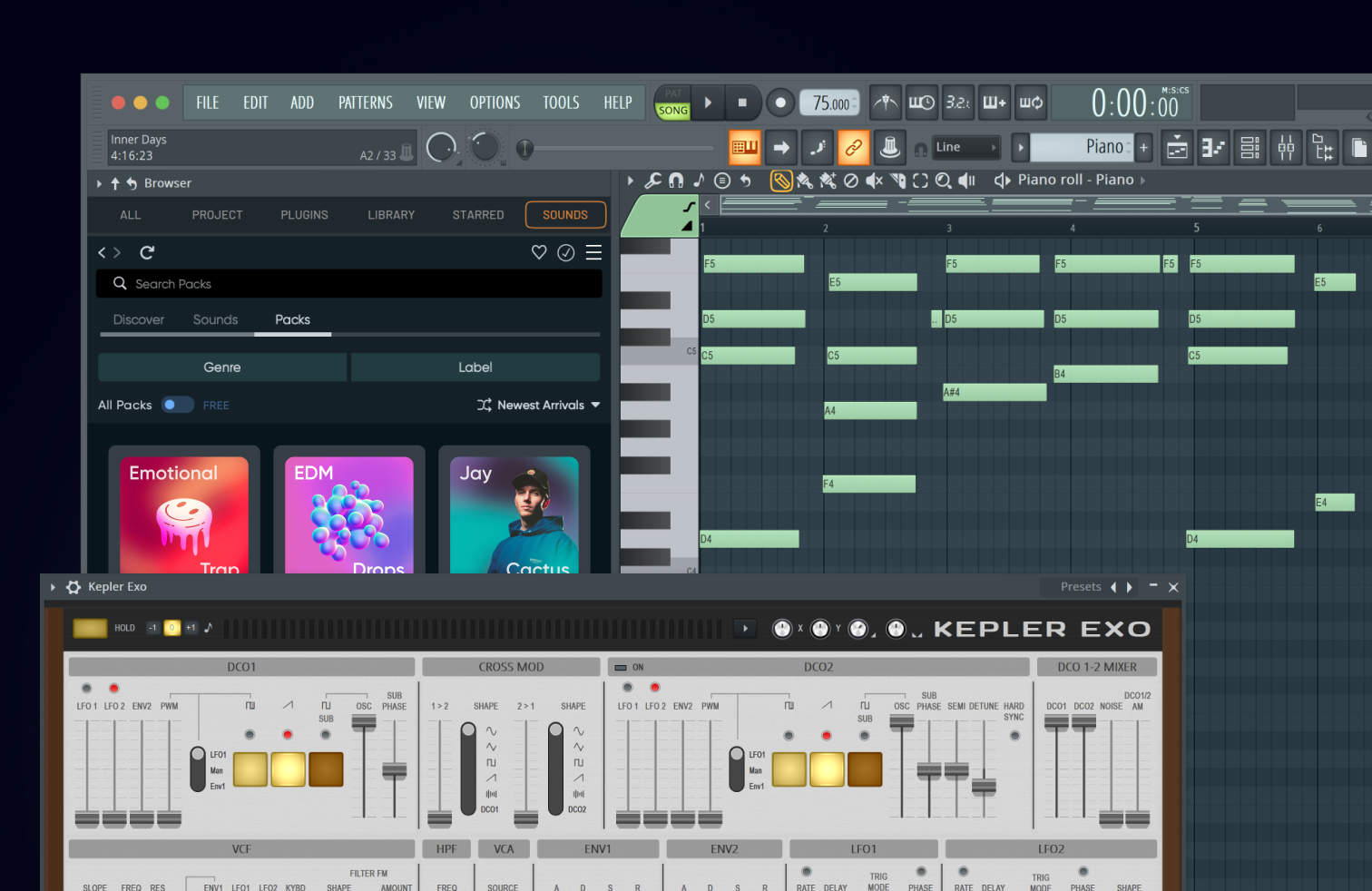
The rebuilt FLEX adds a new engine, browser, factory library, and over 200 Core Series presets across eight packs. Image-Line says second-generation content can load faster and use less CPU. That claim is best tested on your own computer and projects rather than treated as a guarantee.
Project Backup can save zipped FL Studio projects and used samples to FL Cloud. Free license holders receive 500 MB according to Image-Line's current documentation, with larger allowances on paid plans. It is a useful additional copy, not a reason to remove local and offline backups.
Transmitter splits a signal into transient and sustain components that can be processed or routed separately. Chord Detection reads notes and chords in the Piano roll. Audio Logger keeps the last 60 seconds of master output available for recovery. Clip Gain can level clips before the mixer chain.
Do not adopt everything at once
Update a copy of an active project first. Verify plug-in scanning, controller scripts, sample locations, automation, and export. Try one new feature in a defined job: Audio Logger for improvisation, Transmitter on a drum room, or Chord Detection on a sketch. A new release is most valuable when it shortens a known bottleneck.
How this note was made
- Image-Line: FL Studio 2026 Official or first-party reference used for the factual claims in this article.
- Image-Line: New features in the latest FL Studio release Official or first-party reference used for the factual claims in this article.