What you need to know
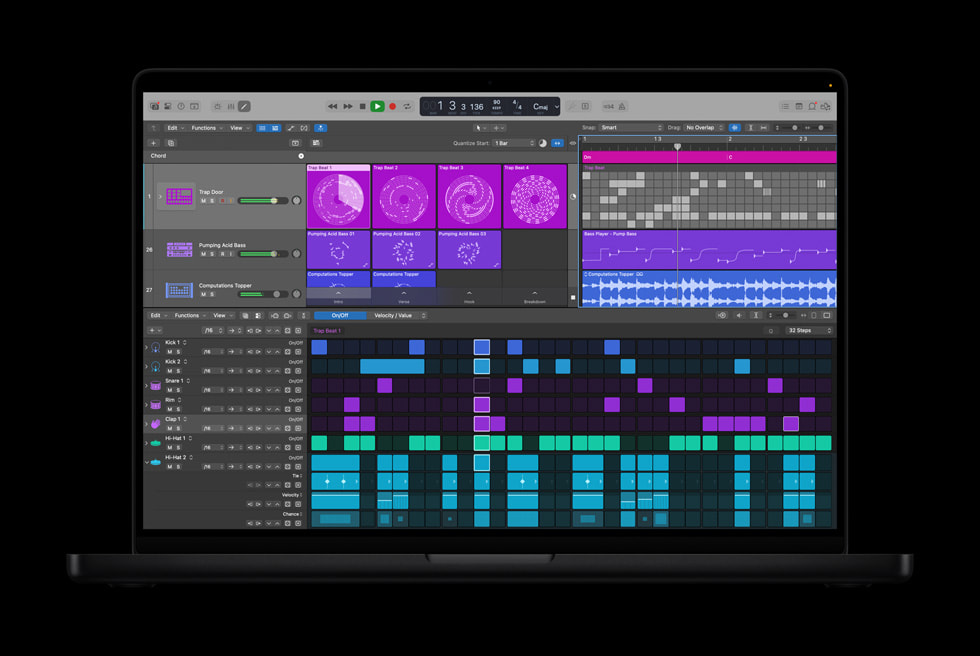
The best take sometimes happens while levels are being checked. Logic Pro's Flashback Capture can recover recent MIDI and audio performances even when conventional recording was not running. In Logic Pro 12, Apple places the button in the default control bar.
What to prepare first
For MIDI, keep the software instrument track selected and playable while you rehearse. For audio, set the correct input, monitoring, sample rate, and level before relying on any recovery. Flashback can retrieve recent performance data, but it cannot repair a clipped preamp, wrong microphone, or disconnected input.
When a useful pass happens, capture it immediately and label the resulting region. Play from before the entry to verify timing and any program, sustain, or articulation behavior. For audio, check the beginning and end for complete transients and ambience.
Use it as a safety net
Flashback is ideal for improvisation because the performer can stay outside the psychological pressure of a red light. Once the arrangement or take direction becomes clear, switch to intentional recording with count-ins, take folders, and notes.
Do not let the feature become an excuse to leave every instrument armed indefinitely or to avoid file organization. Save the project, name successful takes, and make a conventional backup after capturing the idea.
How this note was made
- Apple: What is new in Logic Pro Official or first-party reference used for the factual claims in this article.
- Apple: Logic Pro User Guide Official or first-party reference used for the factual claims in this article.